What is a macro virus?
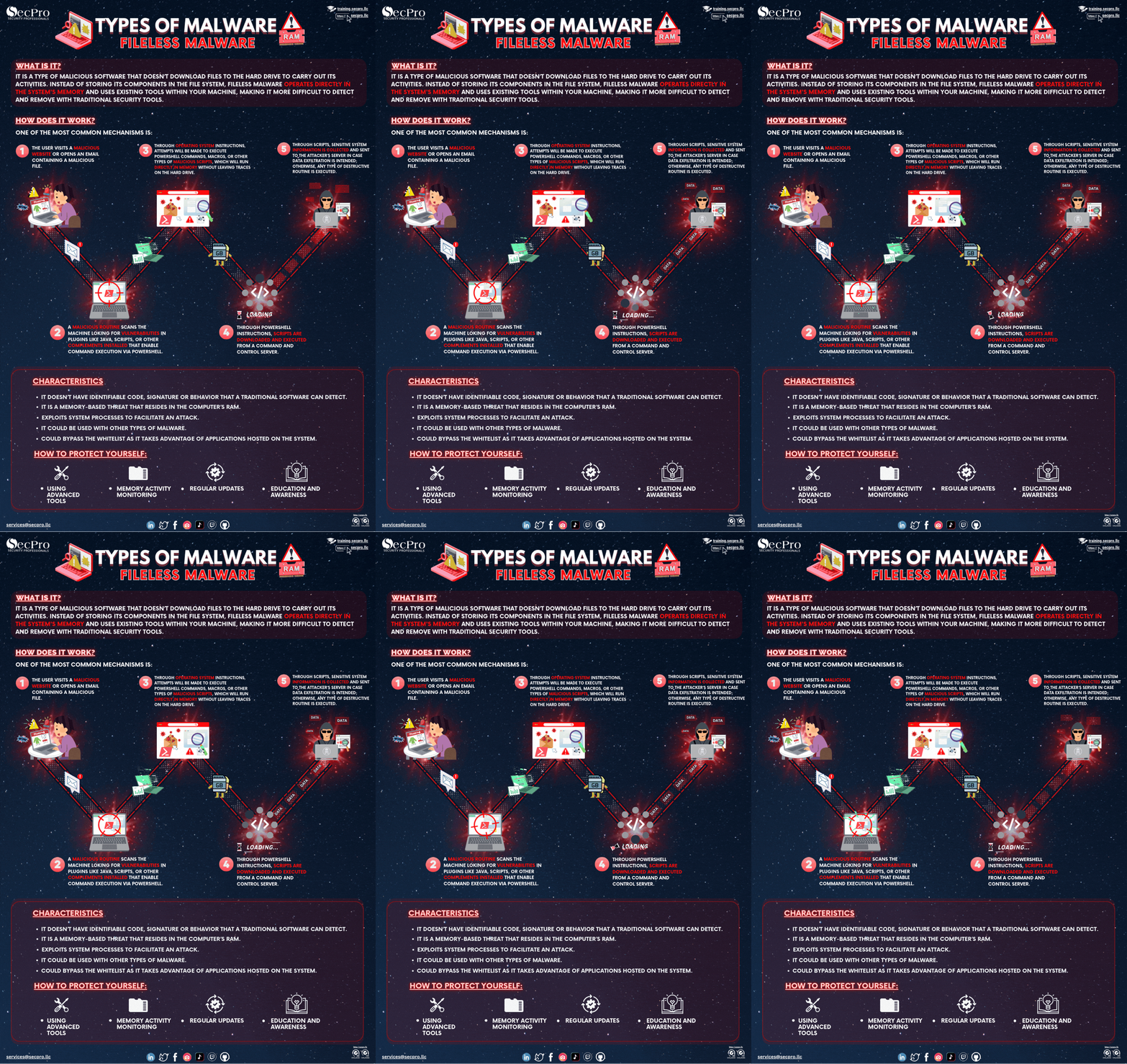
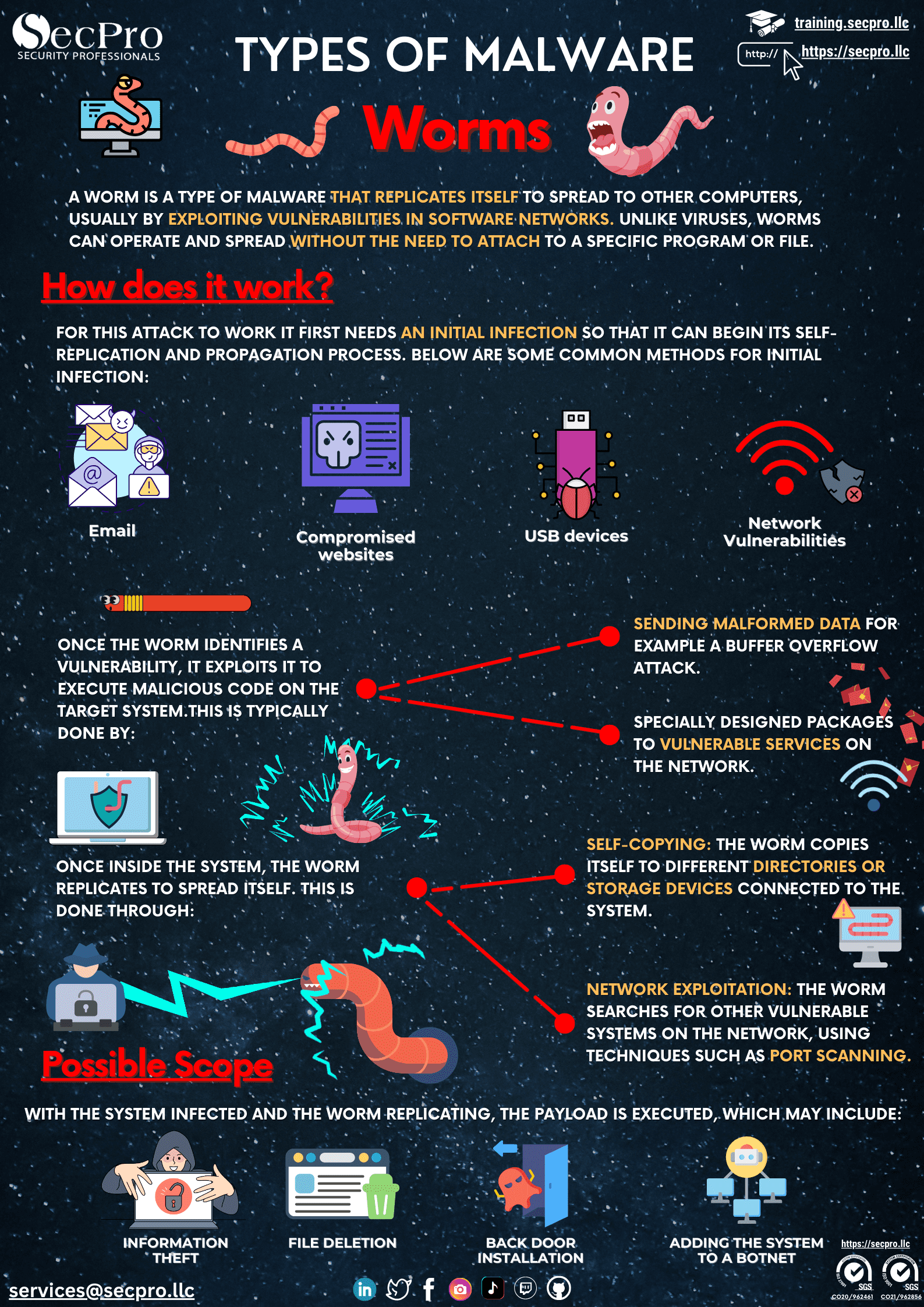
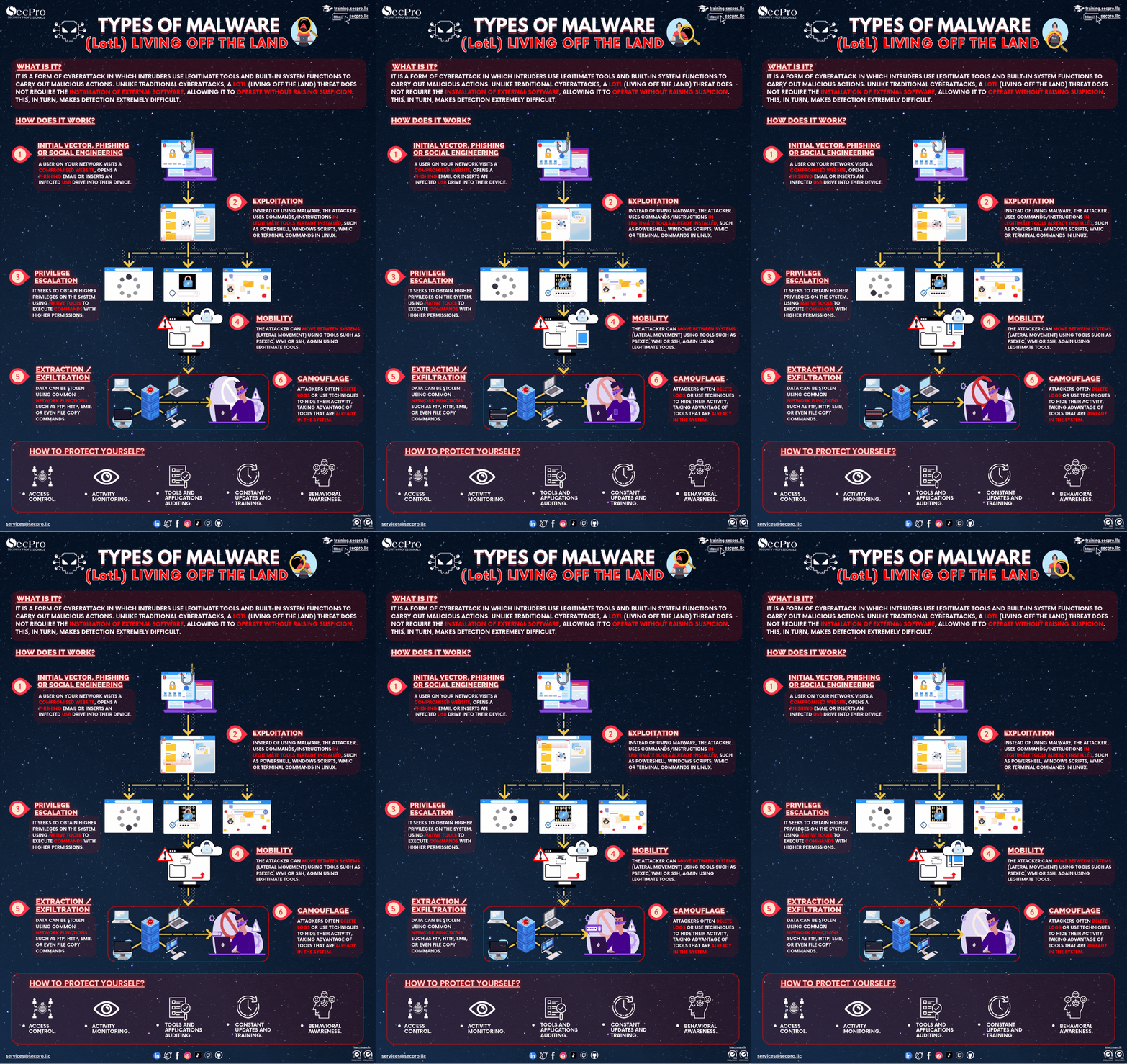
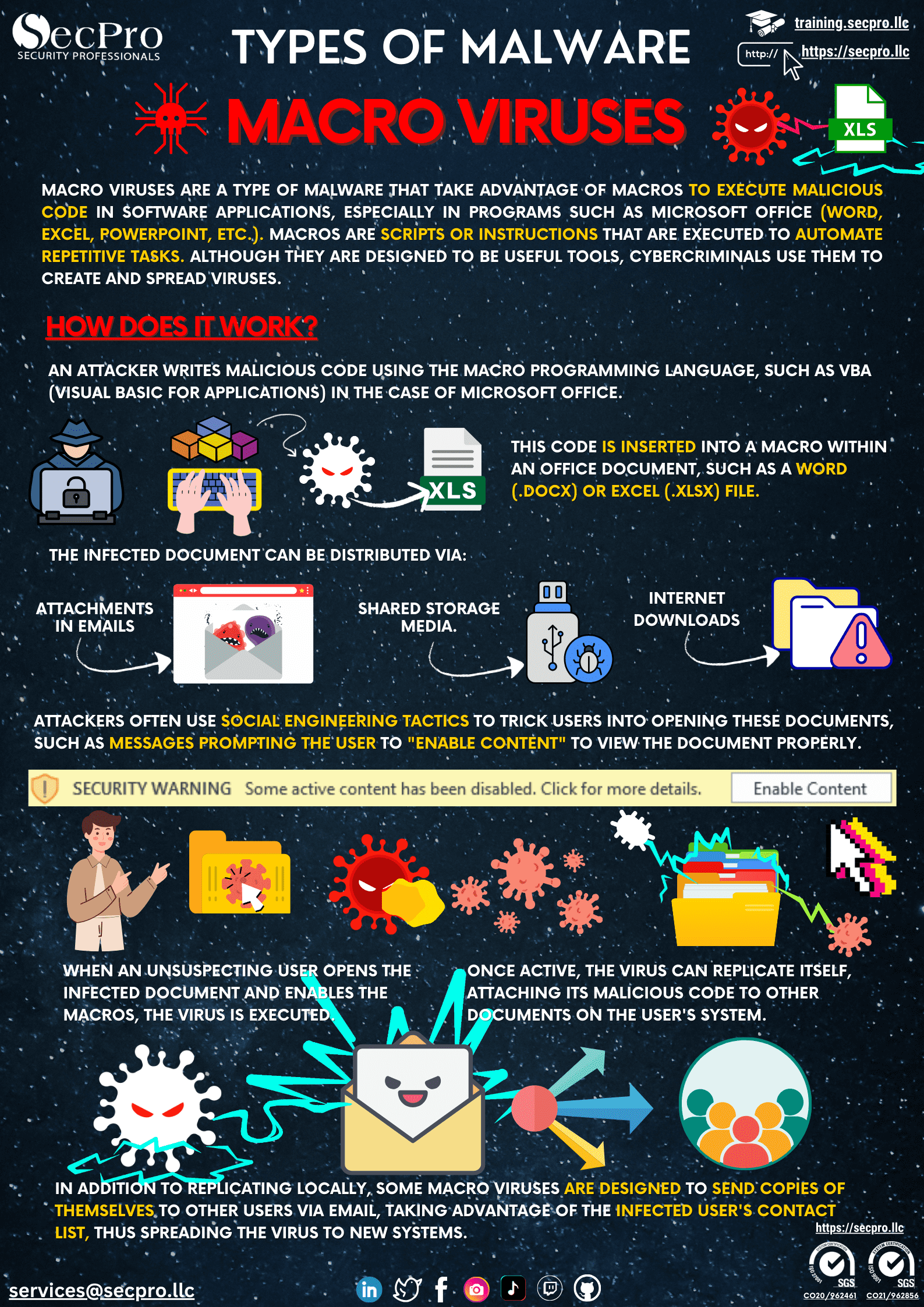
A macro virus is malicious code embedded in the macros of an office document — Word, Excel, PowerPoint — usually written in VBA. The file looks like an ordinary document: an invoice, a résumé, a form. When the victim opens it and enables macros, the code runs with their permissions and typically acts as a first stage, downloading the real malware from the internet rather than carrying it inside.
Why it still works
Because it does not exploit a software vulnerability but a legitimate feature, and because the lure is very effective: the document opens in protected view and shows a yellow warning, so the attacker adds a page claiming the content is encrypted and that you must click 'Enable content' to see it. The victim believes they are fixing a compatibility problem. It is also a convenient way to evade filters that inspect executables but not documents.
How to protect yourself?
The most effective measure is blocking macro execution by policy for documents originating from the internet, which modern Office versions already apply by default and which should not be disabled. Complement it by allowing only digitally signed macros where the business genuinely needs them, filtering email attachments, keeping software patched, and training staff on one concrete rule: no legitimate document needs macros enabled in order to be read.